center_focus_strong
Capture in a snap
Point your camera at a business card or QR code. Gathered finds the edges, reads the details, and lets you check them before saving.
You meet the maker, you love their work, you take their card — and somehow it's gone by the time you're home. Gathered keeps every independent vendor you discover in one tidy, searchable place, ready for when you're ready to buy.
check_circleFree to start · No account needed · Works offline
Point your camera at a business card or QR code. Gathered finds the edges, reads the details, and lets you check them before saving.
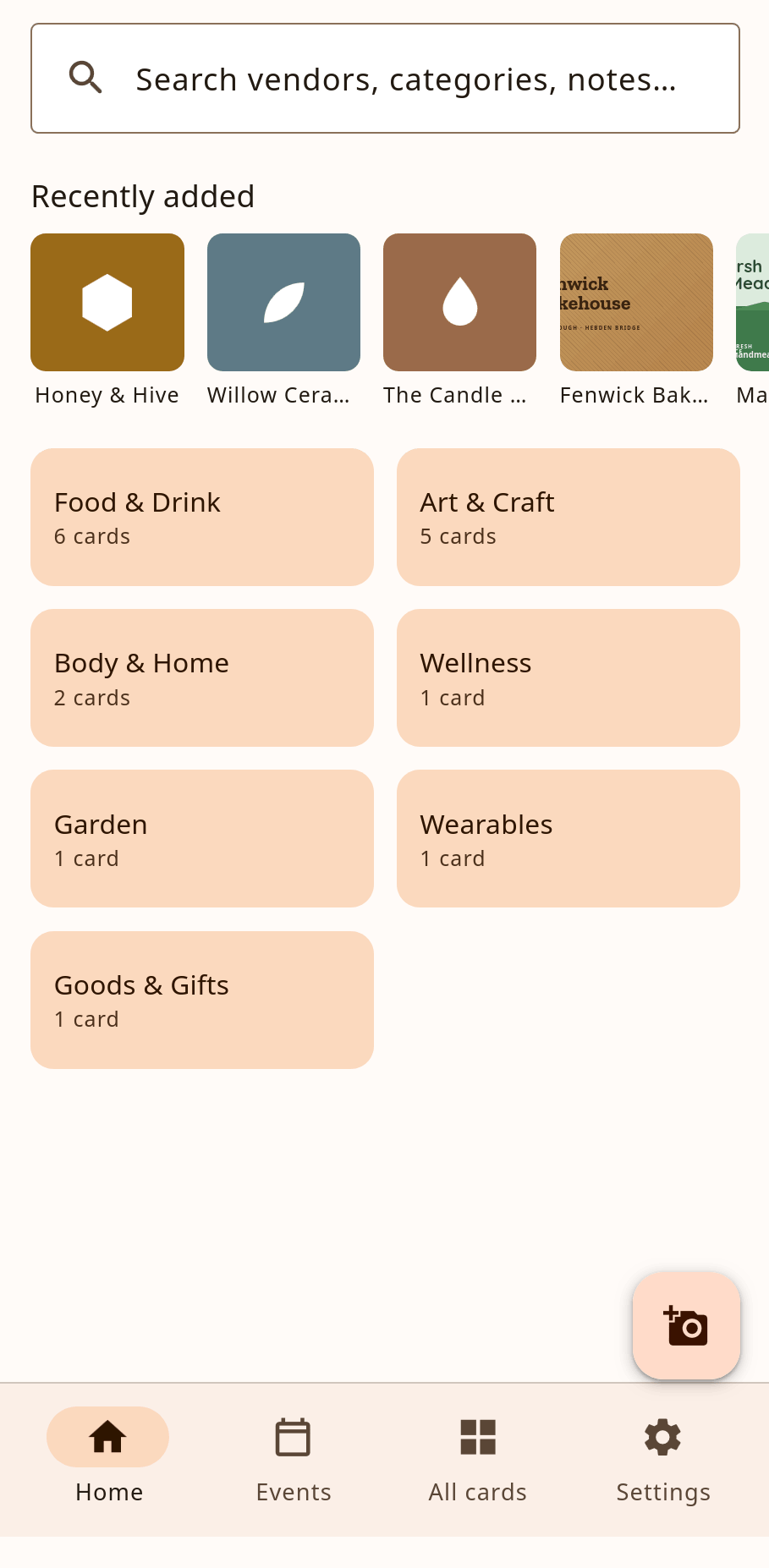
Vendors land in tidy categories — Food & Drink, Art & Craft, Body & Home and more — each one labelled down to the detail, like Preserves & Condiments. Your finds stay browsable, never buried.
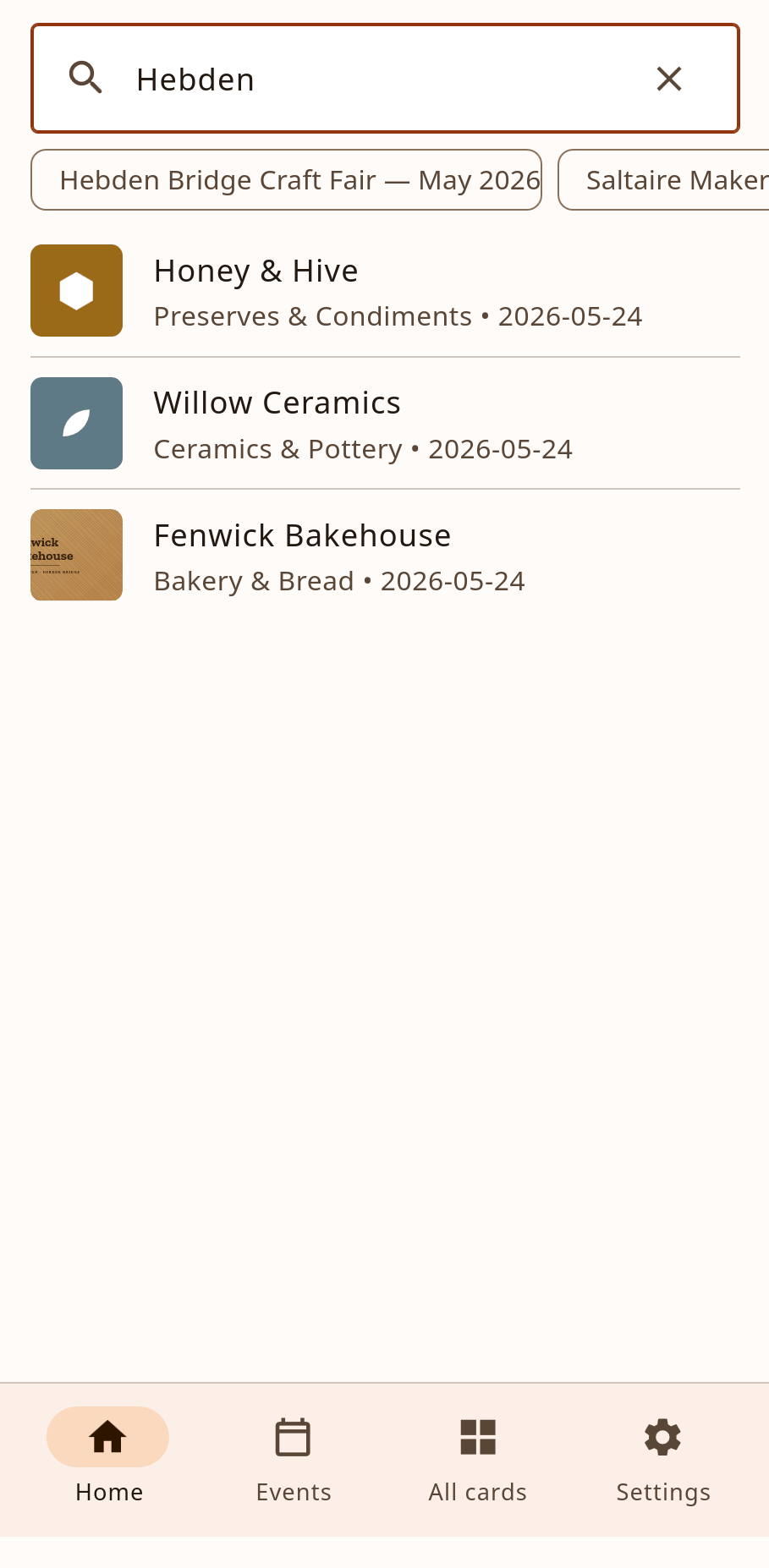
Search by name, category or your own notes. “That honey stall at Hebden” is only a tap away.
Every market or fair becomes an event, so you can relive the day and remember exactly who was where.
Hold steady over a card or QR code. Gathered detects it automatically and pulls out the details.
Confirm the fields, drop in a note — “raw honey, £6 for 250g” — and save. Only what's there is shown.
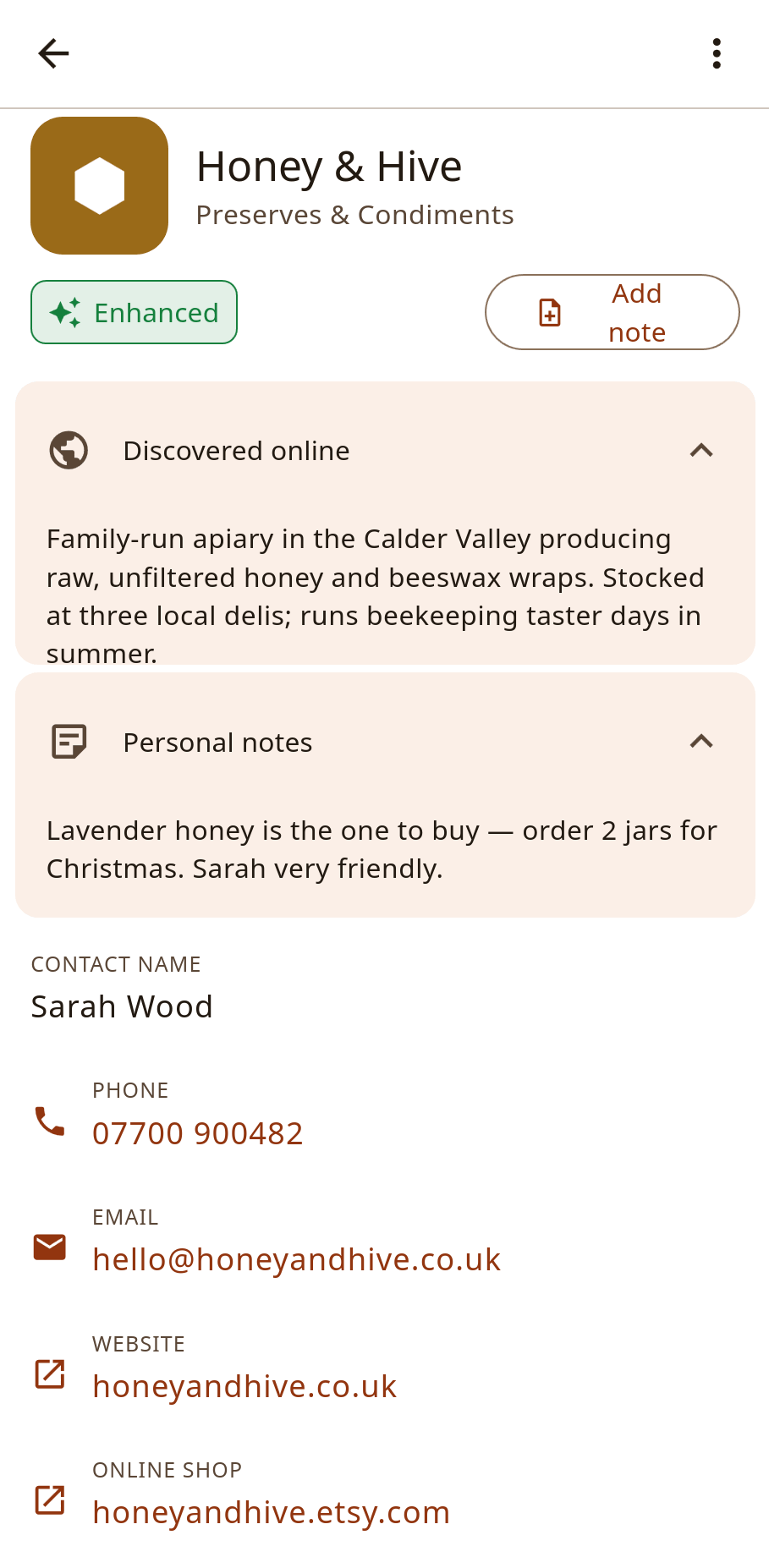
Weeks later, search your directory, tap to call or open their website, and finally place that order.
No account, no sign-up, no feed. Gathered is local-first: your cards are stored on your device. Optional cloud backup is there if you want it — never required.